
How to Restrict Products by Country on Shopify
Learn how to restrict Shopify products by country using Markets and storefront rules. Find out when to hide a product, price, or Add to Cart button, and what to test before customers shop.

Sep 22, 2026 · 6 min read
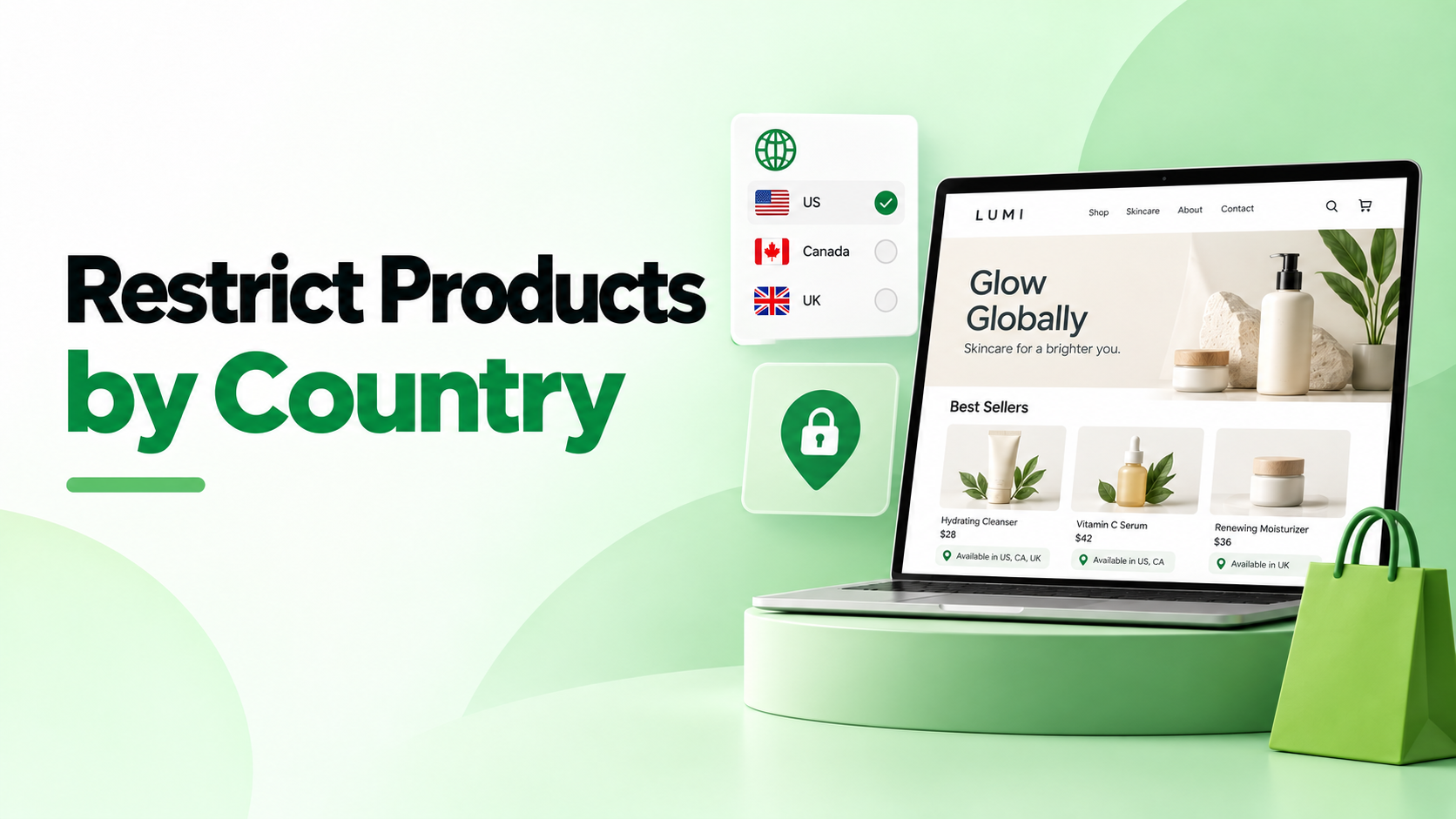
Some products can be sold in one country but not another. If that applies to your store, Shopify Markets is a good place to start. It lets you control which products customers in each market can view and purchase. If you need to show a product while hiding its price or Add to Cart button, a country restriction app gives you more options for what visitors see.
Before changing any settings, decide what you want to happen. Should the product disappear from the visitor’s browsing experience? Should they see it with an explanation? Or should they be able to browse but not buy it? The answer will help you choose the right approach.
Use Shopify Markets to control product availability
Shopify Markets works well when your restrictions match the markets you sell to. For example, you might sell a product in Canada but leave it out of your United States catalog.
A Shopify market catalog controls which products are available in a market and can set custom prices. Products included in an applicable catalog can be viewed and purchased by customers in that market. Shopify says market publishing also affects online store listings and storefront search.
To set up a restriction, create or edit a catalog in Markets, choose the products to include or exclude, and assign the catalog to the relevant market. You can then use Shopify’s View as feature on the Products page to review product availability and pricing for that market.
If you use parent markets and submarkets, check which catalogs apply to each customer. Products from multiple applicable catalogs may be combined.
Use a storefront rule when you need a different visitor experience
A market catalog is useful when the whole product should be unavailable. Sometimes, though, you want visitors to see the product but not its price. You might want to remove Add to Cart, explain why an item is unavailable, or send visitors to a relevant alternative.
Pluginos Geo Restrictions Shopify App offers country based rules for products, collections, pages, and store access. Its listed options include hiding or blurring products, hiding prices and Add to Cart buttons, displaying custom messages, and redirecting visitors.
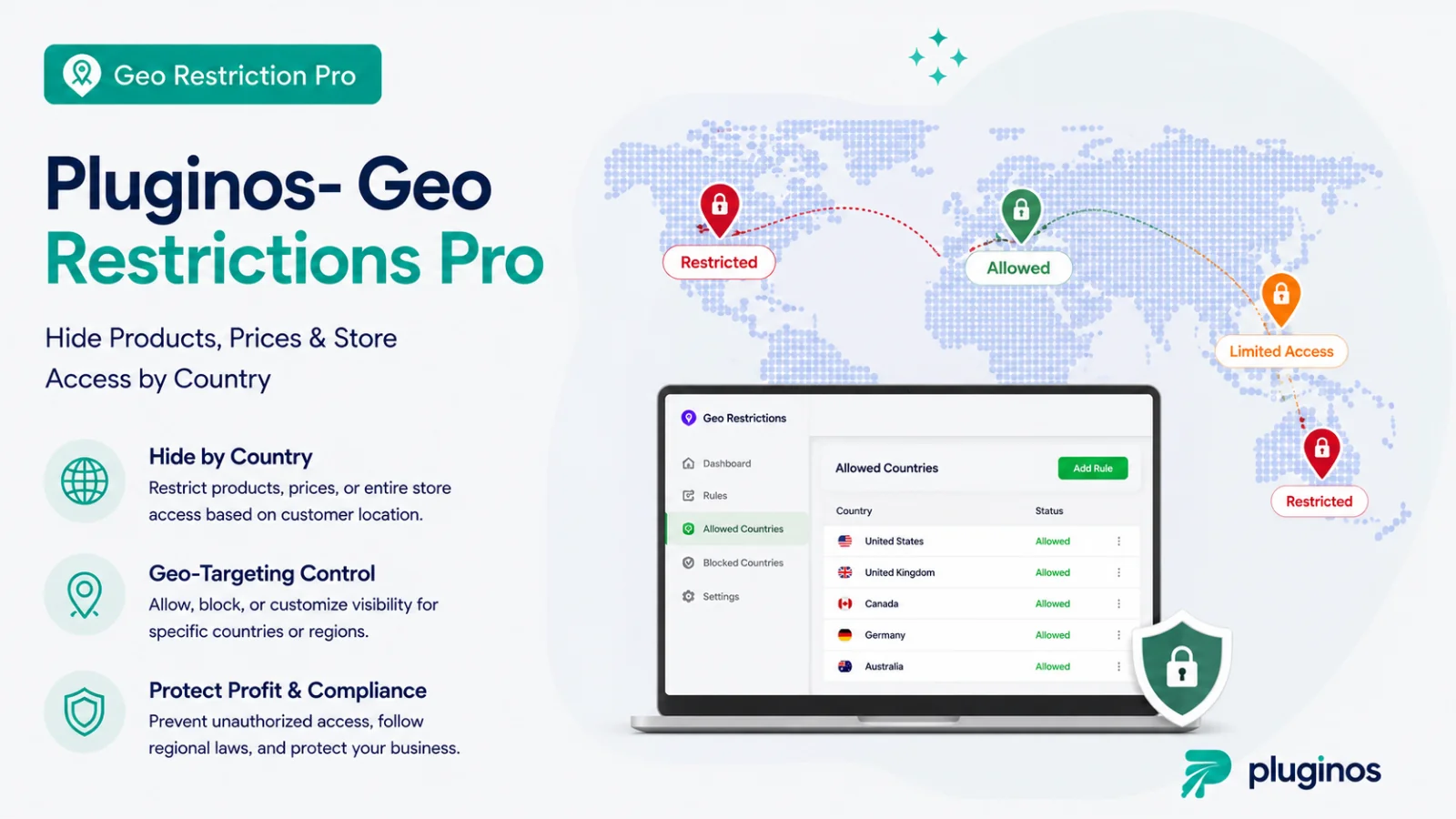
Before creating a rule, make a short list of the affected countries, products, and desired result. If several products share the same restriction, a collection rule may be easier to maintain than separate rules for every product.
Decide what customers should see
Hide or blur the product
Choose this when the product should not appear normally to visitors in selected countries. After setting up the rule, check the product page, collection pages, and storefront search to see exactly how it behaves on your store.
Hide the price
Choose this when customers may learn about the product, but you do not want to show its price in their country. Consider adding a short message that explains what they can do next.
Hide Add to Cart
Choose this when visitors may browse the product but should not use its purchase button. If the product cannot be sold to their destination, review your market and shipping settings too. Removing a button should not be your only checkout check.
Show a message or redirect visitors
If you have another product they can buy, help visitors find it. A clear explanation and a relevant destination are more useful than a page that simply stops them from taking action.
Check shipping and checkout separately
What customers see while browsing is only part of the purchase experience. Shopify says a destination country must be included in both an active market and a shipping zone with available rates for customers to select it at checkout.
Review those settings whenever you change where you sell. Then test checkout with a shipping address in each relevant destination. This helps you confirm that supported customers can order and that unsupported destinations are handled as expected.
Consider search engine visibility
A country based storefront rule does not automatically decide whether Google can index a product page. Shopify provides separate options for hiding products and pages from search engines.
Think about your goal before using them. A product that should be hidden from visitors in one country may still need to appear in search results for customers elsewhere. Storefront restrictions and search engine visibility should be reviewed separately.
Example: a product sold only in the US and Canada
Imagine a skincare brand with a product that its supplier allows it to sell only in the US and Canada. The merchant first checks whether Shopify Markets catalogs can make the product unavailable in other markets.
Next, the merchant considers what visitors outside those countries should see. If a short explanation or a link to an available product would help, they can evaluate a country based storefront rule for that experience.
Before making the change live, the merchant reviews active markets and shipping rates. They then test the product from both an allowed location and a restricted location, including the cart and checkout.
Test the customer experience before publishing
Open the product from an allowed location and a restricted location. Check its product page, collection pages, storefront search, and direct URL. Confirm that the price, Add to Cart button, message, or redirect behaves as intended.
Next, test the cart and checkout using relevant shipping addresses. Repeat these checks after a significant theme update or catalog change. Keeping a record of the expected result for each country makes future reviews easier.
Frequently asked questions
Can Shopify restrict products by country without an app?
Yes. Shopify Markets catalogs can control which products customers in a market can view and purchase. An app may help when you need other storefront options, such as hiding only a price or showing a custom message.
Does hiding Add to Cart stop orders to that country?
Do not rely on the button alone. Review product availability, active markets, shipping rates, and the full checkout experience for that destination.
Will a restricted product disappear from Google?
Do not assume it will. Search engine visibility has separate settings. Review Shopify’s guidance if removing a product from search results is part of your goal.
Should I create a separate rule for every product?
Only if the products need different treatment. When several products share the same countries and visitor experience, a collection rule may be simpler to maintain. Test the result on both product and collection pages.
Choose the approach that fits your store
Start with Shopify Markets when you need to control which products are available in each market. If you also need to change what visitors see on the storefront, explore Pluginos Geo Restrictions. Whichever approach you choose, test it from allowed and restricted locations before relying on it for live orders.
Written by
Pluginos
Pluginos is a WordPress, WooCommerce, and Shopify development team with 8+ years of experience building plugins, apps, and eCommerce solutions. We share practical tutorials and insights based on hands-on development experience.
Tools from this article
Related articles
How to Start a Shopify Store in the UK: A Complete Step-by-Step Guide (2026)
Learn how to start a Shopify store in the UK in 2026 with this step-by-step guide. Discover how to choose products, set up your Shopify store, understand UK VAT requirements, configure payments and shipping, and launch your business. Whether you're based in the UK or selling to UK from abroad.
Nov 4, 2026 · 23 min read
How to Start a Shopify Store in USA: Step-by-Step Guide
Learn how to start a Shopify store in the USA with this step-by-step guide. Discover product research, business registration, LLC and EIN requirements, Shopify pricing, payment gateways, shipping, sales tax, SEO, and marketing strategies to launch and grow your online store successfully.
Nov 3, 2026 · 26 min read
Best Dropshipping Apps for Shopify in 2026: 15 Options Compared
No single app suits every store. This guide compares 15 Shopify dropshipping apps by price, free-plan limits, shipping speed, and per-order cost. It also flags the billing, supplier, and import-duty problems merchants report most.
Oct 18, 2026 · 18 min read