
Best WooCommerce Plugins for Black Friday & Cyber Monday 2026 (Free & Paid)
Prepare your store for Black Friday and Cyber Monday 2026 with essential WooCommerce plugins for faster pages, smarter discounts, smoother checkout, and reliable order management. Discover free and paid options, plus practical tips to keep your sale running smoothly.

Oct 15, 2026 · 17 min read
Black Friday does not reward the store with the most plugins. It rewards the store that still loads, still charges the right price, and still sends a confirmation email when traffic is ten times higher than on a normal Tuesday.GDPR Cookie Consent
This list covers nineteen WooCommerce plugins that earn their place specifically during the sale weekend. Some keep the store standing. Some help shoppers find a deal and add one more item. A few quietly handle the paperwork, the emails, and the returns that arrive after the excitement is over.
Every plugin here either has a free version or a clear reason to pay for it. Where two tools would do the same job, we picked one. Install what your store is missing, test it in October, and leave the rest alone.
How We Picked These
A plugin made the list only if it matters more during Black Friday than during the rest of the year. A general SEO plugin is useful, but it will not save a single order on Cyber Monday, so it is not here.
Each pick also had to be actively maintained and work with current WooCommerce versions. And we kept to one tool per job. Two caching plugins or two coupon plugins running side by side is one of the most common reasons a store breaks under load.
Before the Doors Open: Speed, Pricing, and Safety Nets
These five go in first. None of them sells anything directly. All of them decide whether the selling tools further down get a chance to work.
1. WP Rocket
A product page that loads in two seconds on a quiet afternoon can take eight when hundreds of shoppers hit it at once. Most of that slowdown comes from the server building the same page again and again for every visitor.
WP Rocket stores ready-made copies of your pages and serves those instead, which takes a large share of the work off your server. It recognizes WooCommerce and keeps the cart, checkout, and account pages out of the cache, which is where most caching mistakes on stores happen. It is a paid plugin with no free version. If your host runs LiteSpeed, the free LiteSpeed Cache plugin is the better fit.
The detail most guides skip: a cached page keeps showing whatever price was on it when the copy was made. When your sale prices go live, clear the cache and run the preload, so every product page is rebuilt with the new price. Check with your host before installing, too. Many managed WordPress hosts already cache at the server level and do not want a second caching plugin on top.
2. Product Import Export for WooCommerce
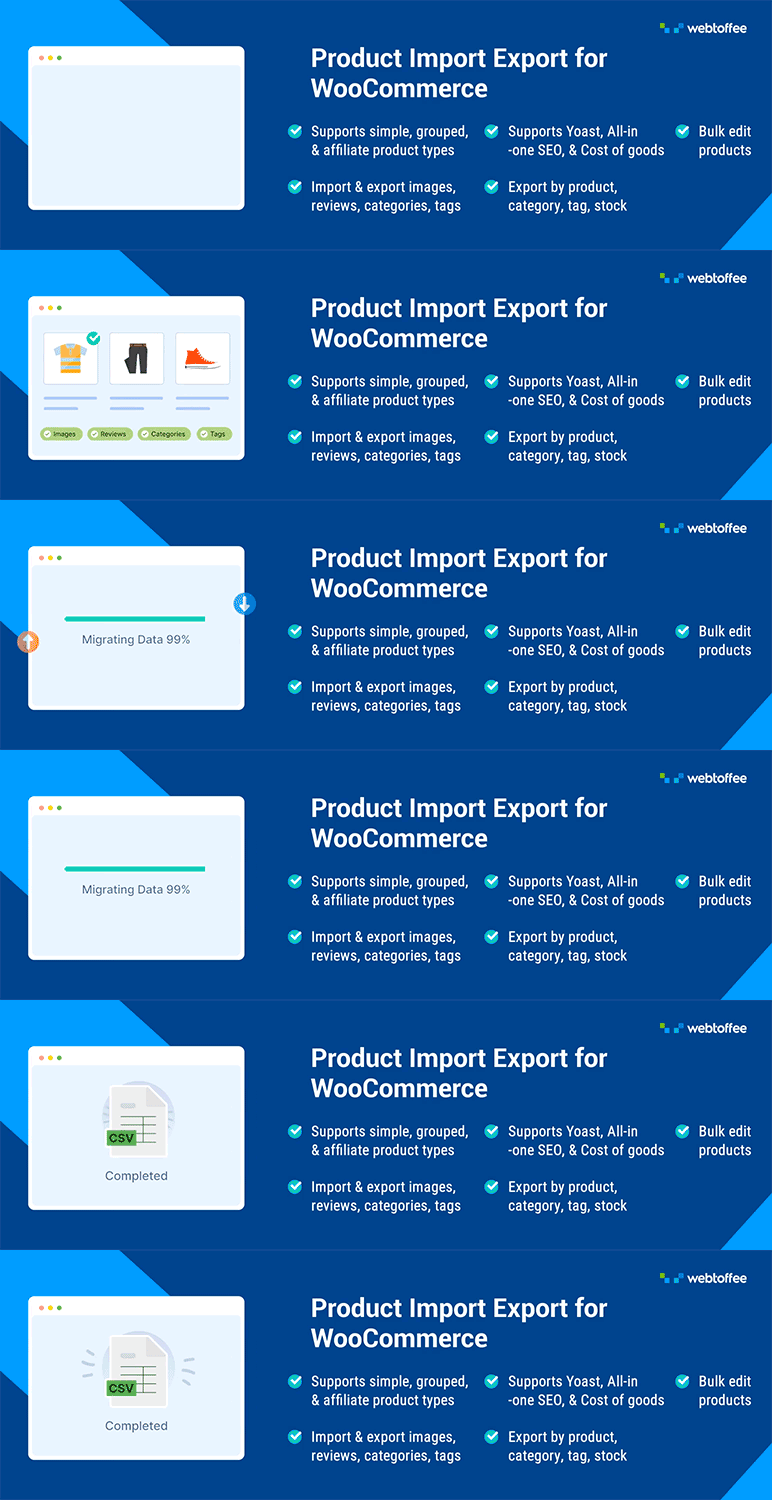
Switching two hundred products to sale prices through the WooCommerce editor means two hundred page loads, two hundred chances for a typo, and the same job again in reverse on Tuesday.
Product Import Export for WooCommerce exports your catalog to a CSV file, so you can set sale prices in a spreadsheet with a single formula and import every change in one pass. The free version covers standard product import and export, which is all a sale price update needs.
Two habits make this safer. Export a full, untouched copy of the catalog before you change anything, so restoring regular prices on Tuesday is one import. And use WooCommerce's scheduled sale price dates wherever you can, so discounts start and end on time instead of depending on someone being awake at midnight.
3. UpdraftPlus

A bad plugin update, a conflicting discount rule, or a rushed theme edit can take a store down at the worst possible hour. A recent backup turns that from a disaster into an inconvenience.
UpdraftPlus is free and sends scheduled backups of your files and database to remote storage such as Google Drive, Dropbox, or Amazon S3, with a one-click restore. Keep backups off the server your store runs on. A backup stored next to a broken site can disappear along with it.
Take a full backup right before sale prices go live and another on the morning after Cyber Monday. Orders keep arriving between those two points, so switch your database backups to at least daily for the whole week.
4. GDPR Cookie Consent

Black Friday is when most stores spend the most on ads, and every ad platform depends on tracking. If you get visitors from the EU, the UK, or US states with their own privacy laws, that tracking needs proper consent, and a busy weekend multiplies any gap.
GDPR Cookie Consent scans your site for cookies, sorts them into categories, and blocks non-essential scripts until a visitor agrees. It is a Google-certified consent management platform and supports Google Consent Mode, so your analytics and ad platforms still receive consent signals instead of going quiet. Set this up before you raise ad budgets, not during the sale. Then open your store in a private browser window, decline cookies, and confirm that your ad pixels actually stop firing.
5. SpamOff-Google reCAPTCHA for WooCommerce

Card testing gets worse around big sale events. Bots push hundreds of small orders through your checkout with stolen card numbers to find the ones that work, and the chargebacks and payment processor warnings land on you weeks later.
SpamOff adds Google reCAPTCHA to your checkout, login, registration, and lost password forms. Its invisible v3 option works with the block checkout, so real shoppers do not have to solve a puzzle to pay. The plugin is free on WordPress.org, and SpamOff Pro adds Cloudflare Turnstile, hCaptcha, and reporting on blocked attempts.
If genuine customers tell you they were blocked, lower the minimum score in the settings rather than switching protection off. A few blocked orders are easy to tune away. A wave of chargebacks is not.
6. WebYes
Holiday shopping does not end on Cyber Monday. The sale pages, popups, and banners you built for the weekend usually stay live into December, and they are some of the least accessible parts of a typical store: discount popups that cannot be closed without a mouse, countdown timers that never stop moving, and sale prices shown only in red. Shoppers who use a keyboard, a screen reader, or zoomed-in text hit those barriers first.
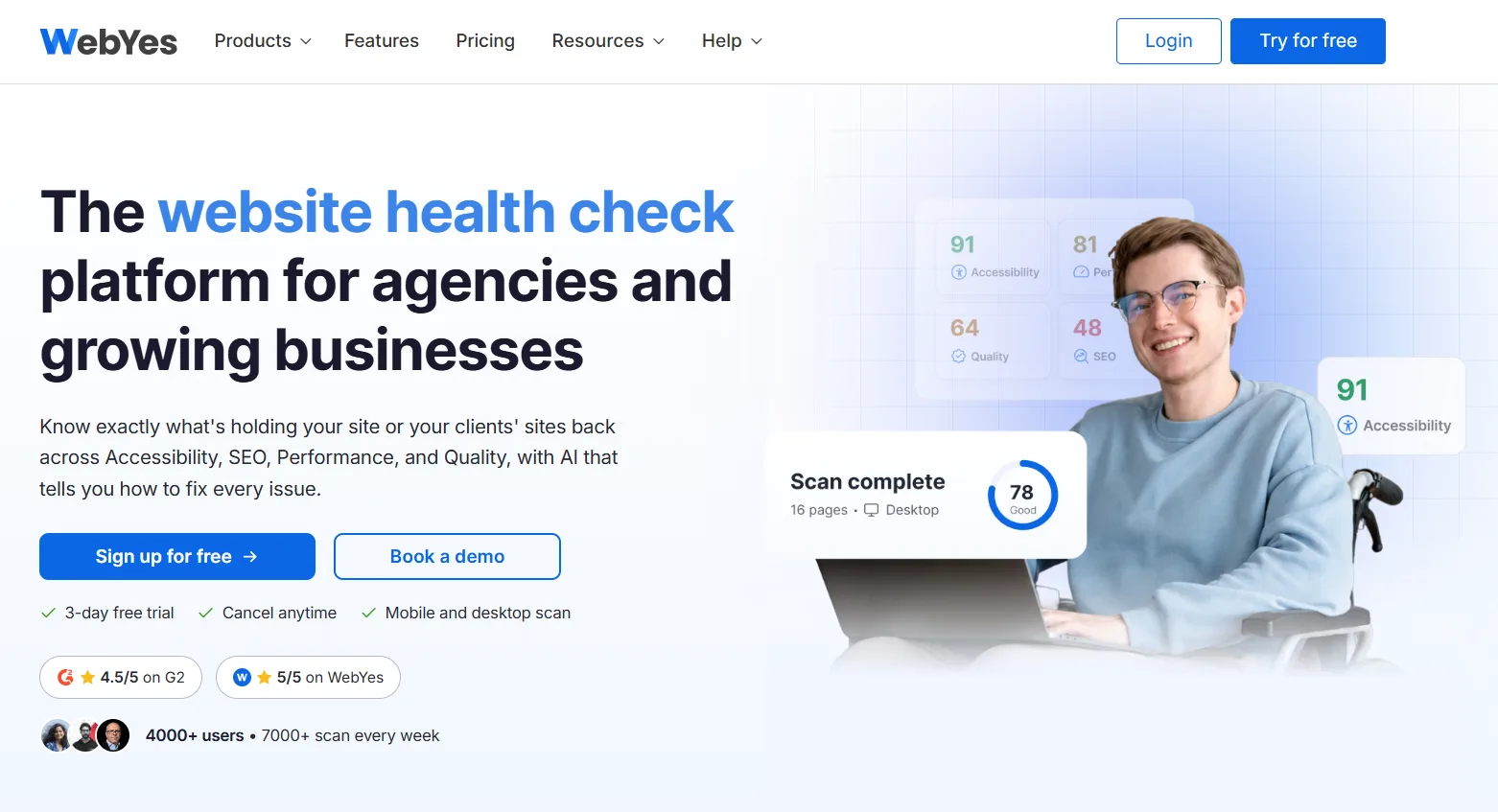
WebYes audits your site for accessibility issues against WCAG guidelines, along with SEO and performance problems, from one dashboard. For quick checks on individual pages, the free Accessibility Checker by WebYes Chrome extension tests whatever page you have open, including color contrast, with no account or sign-in needed.
Use the quieter week to run the checker on the pages that took the most traffic: your homepage, sale landing pages, best-selling product pages, the cart, and the checkout. Treat the results as a to-do list, not a certificate. Automated checks catch a lot but not everything, so finish by completing a full purchase using only your keyboard. If you can, run the same checks before the sale starts too.
Getting Found and Getting Picked
Black Friday shoppers compare stores in several tabs at once. These four help them find your deals and choose you over the tab next to yours.
6. Product Feed for WooCommerce
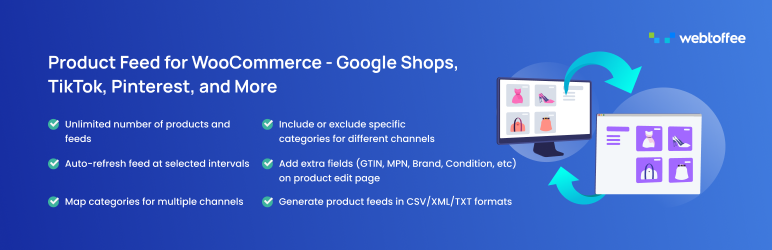
A lot of Black Friday buying starts on Google Shopping, and Google only knows what your product feed tells it. If the feed shows one price and your product page shows another, Google can disapprove the listing, often at exactly the moment you need it running.
Product Feed for WooCommerce generates and refreshes product feeds for Google Shopping, Facebook, TikTok, Pinterest, and other channels straight from your catalog. The free version creates feeds for the main channels, adds fields such as GTIN and MPN to your product edit page, and lets you choose how often the feed refreshes.
Submit your feed well before November, since Merchant Center reviews products before they appear and that can take a few days. Then match the refresh interval to your sale. If prices change at midnight, the feed should refresh soon after, not the next afternoon.
7. FiboSearch
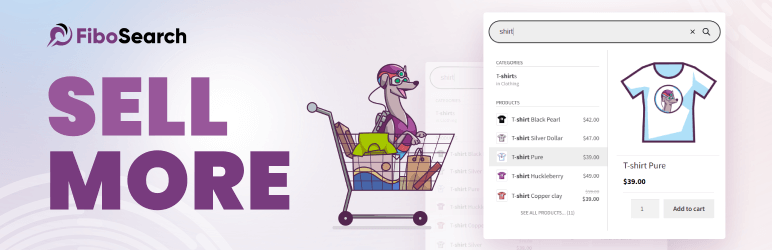
Shoppers who use your search bar already know what they want, which makes them some of your most valuable visitors. Default WooCommerce search mostly matches product titles, so a typo or a partial name returns nothing.
FiboSearch replaces it with a live search bar that shows products, images, and prices as the shopper types. The free version is enough for most catalogs, and the paid version adds a faster search index and better handling of typos.
Before the sale, search your own store for “black friday”, “deal”, and “sale”. If nothing comes back, create a deals category or tag and make sure your search includes it. Shoppers really do type those words, and an empty results page on your biggest weekend is a wasted visit.
8. Smart Coupons for WooCommerce
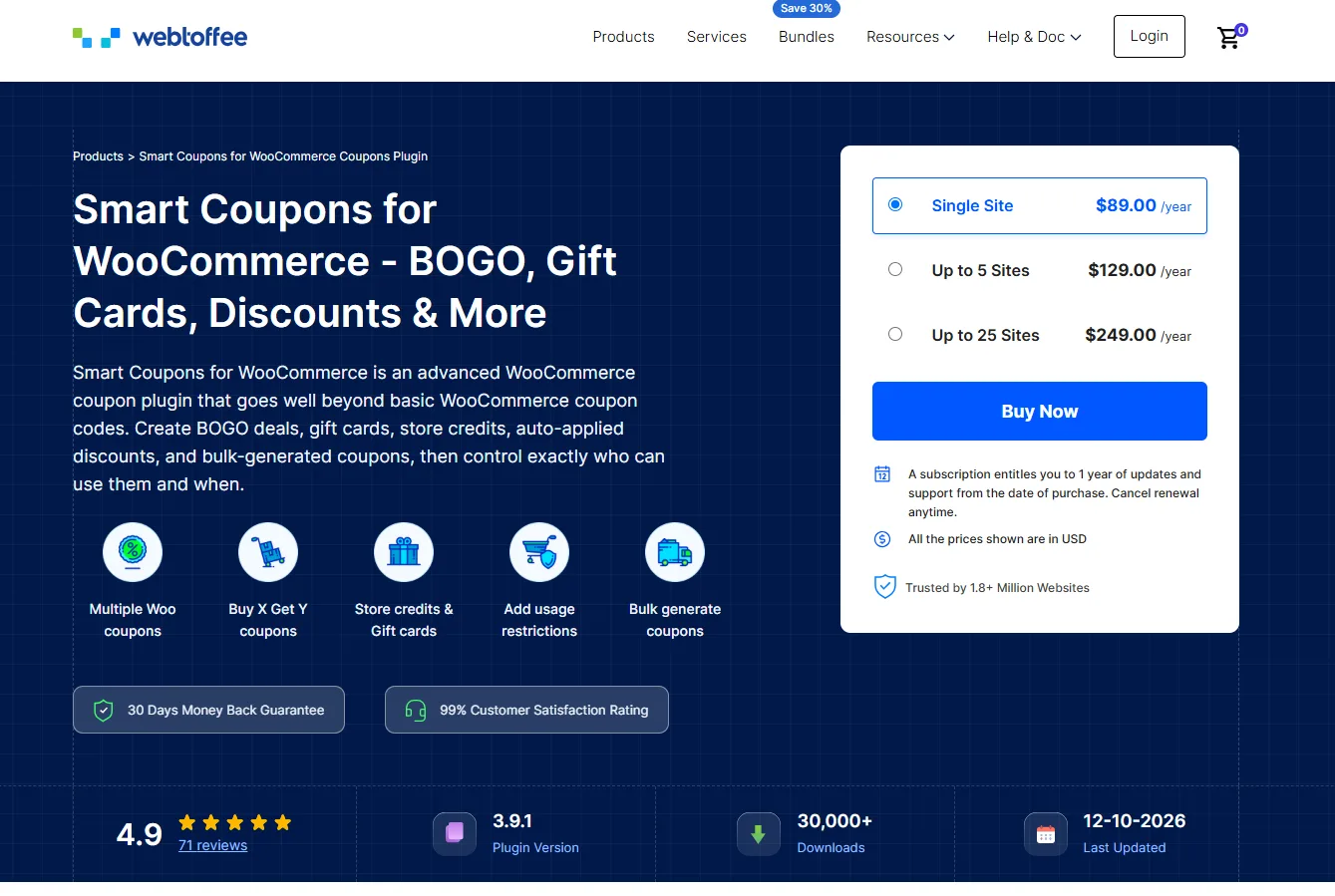
The default WooCommerce coupon handles a percentage or a fixed amount off. Black Friday offers usually need more than that: buy one get one, a free gift above a certain spend, or a discount that applies the moment someone clicks an email.
Woocommerce coupon plugin by WebToffee covers BOGO deals, giveaway products, URL coupons that apply themselves, store credit, and bulk code generation, with restrictions by product, category, user role, or purchase history. The free version includes the core coupon types, which is enough to run a straightforward campaign.
Give every channel its own URL coupon: one for your email list, one for each ad campaign, one for each partner. The discount applies on click, nobody has to type a code at checkout, and on Monday you can see exactly which channel sold what. For doorbuster deals, set a usage limit per customer before the link goes out.
9. TrustPulse
A store shoppers have never heard of has to work harder for every Black Friday order. They have bigger names open in other tabs, and they want some sign that your store is real and active.
TrustPulse shows small notifications of recent purchases and signups as they happen. During a sale weekend those notifications are frequent and genuine, which is exactly when they persuade.
Check your plan limits before the weekend. The free tier is built for low traffic, and Black Friday can use up a monthly allowance in a single day. Once the limit is reached the notifications stop, usually right when traffic peaks.
Bigger Carts, Fewer Exits
Traffic is expensive during Black Friday. These four make sure the visitors you paid for leave with more in their cart, or at least leave with something.
10. WooCommerce Gift Cards
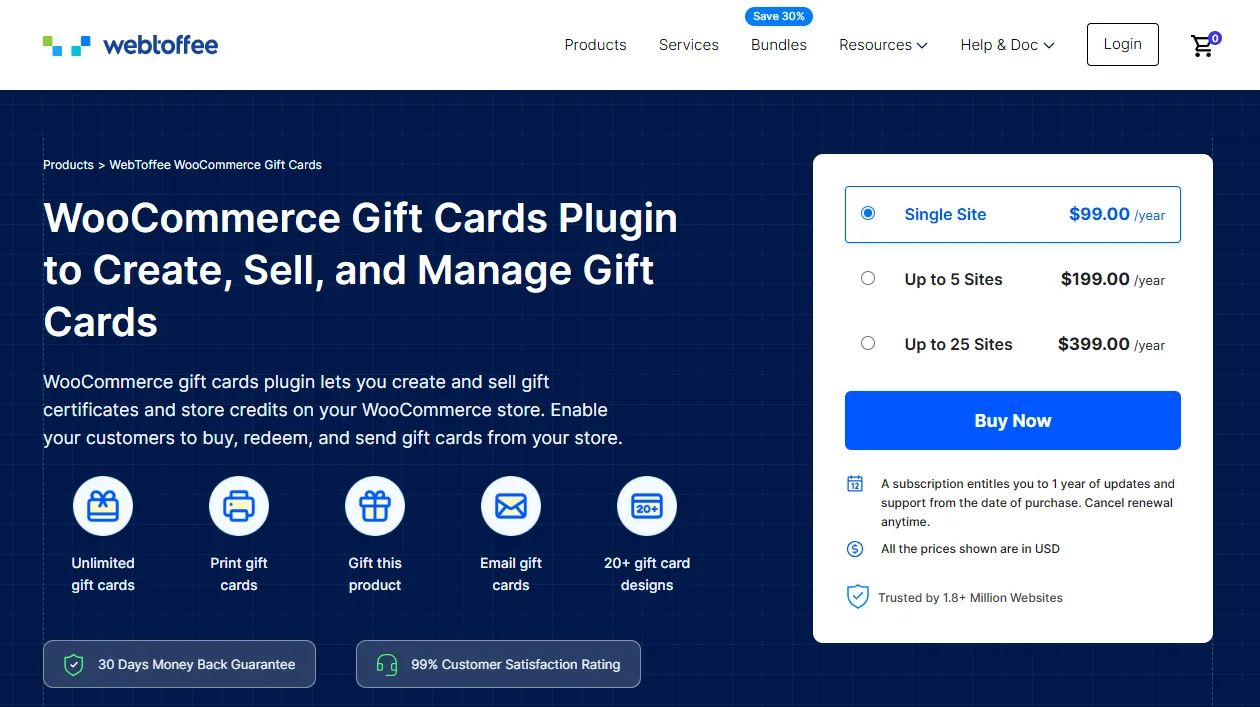
Plenty of Black Friday visitors are shopping for someone else and have no idea what that person wants. Without a gift card option, they close the tab. With one, they can buy in under a minute.
WooCommerce Gift Cards lets you sell gift cards in fixed or custom amounts and deliver them by email, with scheduled delivery and physical cards available on the paid plan. The free version lets you create one gift card product with four templates, plus basic redemption and balance viewing; unlimited gift cards, 20+ templates, and full balance management (adding or adjusting customer credit) are paid-plan features, alongside scheduled delivery and physical cards.
One margin check before the sale: decide whether your sitewide discount should apply to gift card purchases. A 30% coupon on a $100 gift card is a $30 loss you will feel when the card is redeemed at full value in January. Most stores exclude gift card products from sale coupons.
11. Instant Buy & Skip Cart

When you promote a single doorbuster product through an ad, the cart page is an extra step with nothing useful on it. Every extra step loses some of the people who clicked.
Instant Buy & Skip Cart adds a Buy Now button that sends shoppers straight to checkout. It is free on WordPress.org, and the Pro version adds targeting by product, category, or user role, a popup checkout, and an option to keep items already in the cart.
That last option matters. The free version empties the cart before adding the Buy Now item, so use it on landing pages for single deals, not across a store where people build multi-item carts.
12. WooCommerce Product Recommendations

Someone who came for one discounted item will often add a second if your store points it out. A product page with nothing beneath it leaves that extra order value behind during the busiest weekend of the year.
WooCommerce Product Recommendations adds frequently bought together, upsell, cross-sell, and best seller blocks to product, cart, and checkout pages, with rules that control what appears where. The free version covers related products only — upsells and cross-sells are set up through WooCommerce’s own Linked Products tab, not this plugin.
Point your recommendations at products that are both in stock and on sale. A suggestion that leads to a sold-out item wastes the click. If you offer free shipping over a set amount, recommend items priced to push a typical cart just past it.
13. CartFlows
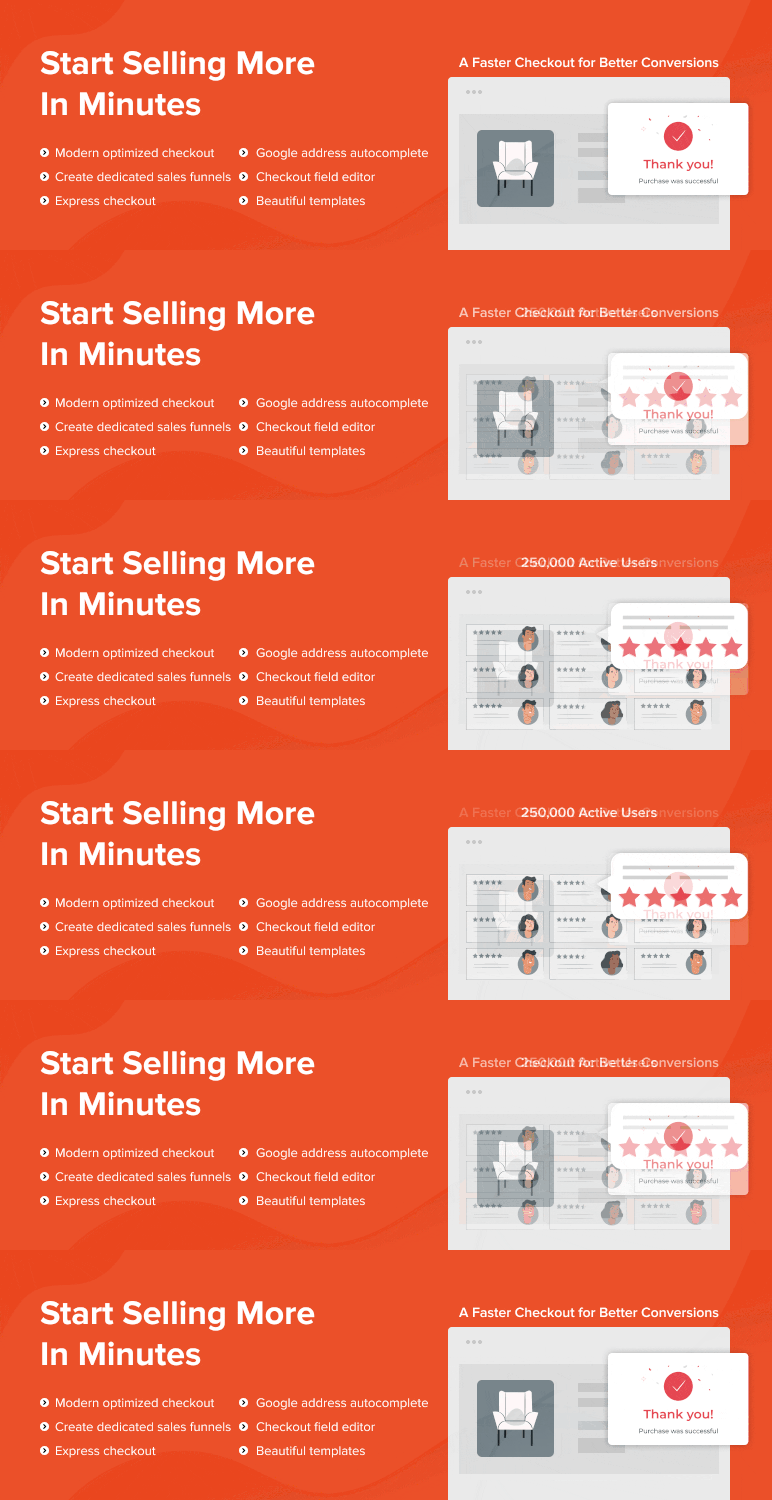
If your checkout is slow or cluttered, Black Friday will show you. Shoppers who reach checkout have already decided to buy, so every extra field or distraction there is expensive.
CartFlows lets you build a cleaner checkout and add order bumps, small add-on offers shown just before payment. The free version covers the core checkout builder, while order bumps, one-click upsells, and A/B testing come with the paid plans.
Do not rebuild your checkout in November. If you are adopting CartFlows, build and test it on a staging site in October, then leave it alone. And skip it entirely if you already run another checkout builder, because two of them will fight over the same page.
When the Orders Pile Up
A good weekend creates work. These two keep the back office moving and stop customers from wondering whether their order went through.
14. WooCommerce PDF Invoices, Packing Slips & Credit Notes
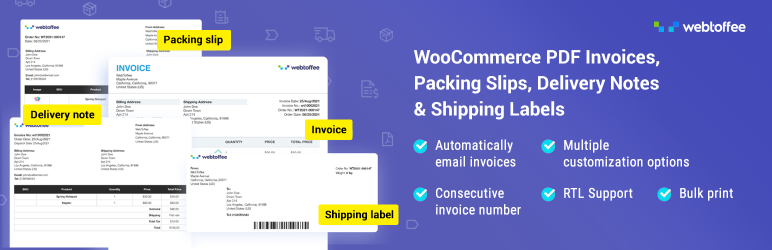
Creating invoices and packing slips by hand is fine at ten orders a day. At three hundred, it becomes the bottleneck that delays every shipment.
WooCommerce PDF Invoices, Packing Slips & Credit Notes creates branded invoices automatically and attaches them to order emails, so customers have their paperwork before they think to ask for it. The free version covers invoices and packing slips, and the paid version adds credit notes and more control over templates.
Plan your Saturday morning before the weekend arrives. Filter orders by status, print packing slips in batches, and pack in the same order the slips come out. It is a small change that saves a surprising amount of time when the queue is long.
15. WP Mail SMTP
WordPress sends email in a way that many inboxes treat with suspicion. On a normal week, a few missing order confirmations go unnoticed. On Black Friday, they turn into a stack of support emails asking whether an order actually went through.
WP Mail SMTP routes your store's emails through a proper sending service, which makes order confirmations, receipts, and password resets far more likely to reach the inbox. The free version covers what most stores need.
Place a test order a week before the sale and send the confirmation to a Gmail address and an Outlook address. If either one lands in spam, fix it now, while it is still a quiet week.
The Week After Cyber Monday
The sale ends on Monday. The work it created runs well into December, and so does your chance to turn discount shoppers into regular customers.
16. EU Withdrawal Button for WooCommerce

Customers in the EU generally have 14 days to withdraw from an online purchase, counted from the day they receive the goods. That means Black Friday orders delivered in early December can still be withdrawn close to Christmas. The EU's Directive 2023/2673 also expects stores to offer a clear withdrawal function, not a hunt through support emails.
EU Withdrawal Button for WooCommerce adds a withdrawal request button to the customer's order page, shown only while the withdrawal window is open, with a two-step form for full or partial withdrawals and a dashboard for handling requests. The free version covers that core flow.
Set your withdrawal period and product exclusions before the sale, not after the first request arrives. Digital downloads, for example, are often treated differently, and you want that decided before hundreds of orders are in the system.
17. Customer Reviews for WooCommerce

Most Black Friday buyers are first-time customers. If they are happy, this is your best chance all year to collect a large batch of reviews, but only if someone asks them.
Customer Reviews for WooCommerce sends automatic review requests after an order is completed, supports photo reviews, and adds review structured data so your products can show star ratings in search results. The core plugin is free.
Time the request for after delivery, not after payment. A review email that arrives before the parcel does gets ignored. If you offer a small coupon as a thank-you, offer it for any honest review. In the US, the FTC's rule on consumer reviews bans incentives that depend on the review being positive.
18. Omnisend
Black Friday fills your email list with people who bought because of a discount. What you send them next decides whether they come back at full price or simply wait for next November.
Omnisend is built for ecommerce email and SMS, with ready-made flows for welcome series, abandoned carts, and post-purchase follow-ups that pull in your WooCommerce products. There is a free plan, and paid plans scale with your list size.
Resist the urge to send another discount straight away. Put new Black Friday customers into a short welcome series that helps them get the most from what they bought, then introduce your full-price range. If you add SMS, collect proper opt-in consent first.
What to Do on the Tuesday After
The cleanup matters as much as the preparation, and it is easier while the weekend is still fresh:
Restore regular prices from the catalog export you made before the sale, then clear your cache and refresh your product feed.
Switch off doorbuster coupons and check that the usage limits held.
Compare sales by channel using your per-channel coupon links.
Take a fresh backup and set your backup schedule back to normal.
Pull your conversion rate, average order value, and repeat purchase rate for the sale period and compare them with a normal month. The gap tells you which lever to work on next, and a simple eCommerce growth strategy built around those numbers keeps December from becoming a slow slide back to normal.
Write down what broke or nearly broke. That list is next year's preparation, and you will not remember it in October.
Frequently Asked Questions
Do I need all eighteen plugins?
No. Most stores already have several of these jobs covered by their host, theme, or existing plugins. A typical store needs five to eight of the picks above. Start with the gaps that would cost you orders: speed, backups, checkout, and order emails.
Are the free versions good enough for Black Friday?
For most stores, yes. The places where paying tends to matter are traffic-based limits, such as social proof tools, checkout features like order bumps, and how often your product feed can refresh. If one of those limits will bite during the sale, upgrade in October rather than on the day.
When should I install these plugins?
In October. That leaves time to configure, test on a staging site, and fix conflicts. Installing or updating plugins during sale week is one of the most common ways stores break at the worst possible moment.
Can I run two plugins that do the same job?
Avoid it. Two caching plugins can serve stale carts, two coupon plugins can stack discounts in ways you did not plan, and two checkout builders will fight over the same page. Pick one per job.
Final Thoughts
The plugins that matter most on Black Friday are rarely the exciting ones. Fast pages, correct prices, working emails, and a backup you can restore do not feel like growth tools, but they decide whether your offers ever get seen.
Pick the gaps your store actually has, set them up in October, and spend the weekend watching orders come in instead of chasing problems.
Written by
Pluginos
Pluginos is a WordPress, WooCommerce, and Shopify development team with 8+ years of experience building plugins, apps, and eCommerce solutions. We share practical tutorials and insights based on hands-on development experience.
Tools from this article
 WordPress
Instant Buy & Skip Cart
Skips the cart entirely and sends shoppers straight to checkout. Ideal for single-product stores, digital downloads, and promo campaigns.
 WordPress
SpamOff - Google reCAPTCHA
Google reCAPTCHA v2 and v3 for checkout, login, registration and comments, free on WordPress.org. SpamOff Pro adds Turnstile, hCaptcha, behavioural checks and analytics.
Related articles

Best WooCommerce WordPress Themes 2026 (15 Compared)
We compare 15 WooCommerce and WordPress themes for 2026, with verified prices, free-versus-paid features, honest pros and cons, and a pick for every type of store.
Oct 3, 2026 · 39 min read
40+ Best WooCommerce Plugins by Category (Free and Paid)
The 40+ best WooCommerce plugins in 2026, organized by category. Each pick includes a free alternative, real pricing with renewal costs, and who should skip it.
Oct 2, 2026 · 34 min read