
8 Best WooCommerce Checkout Plugins in 2026
Compare eight WooCommerce checkout plugins for custom fields, checkout redesigns, sales funnels, and Buy Now buttons. Explore features, pricing, free options, pros, cons, and compatibility considerations to choose the right tool for your store.

Oct 23, 2026 · 23 min read
The best WooCommerce checkout plugins depend on the job: shortlist CheckoutWC or Fluid Checkout for a redesigned form, ThemeHigh for custom fields, FunnelKit or CartFlows for campaign funnels, and Direct Checkout or Instant Buy & Skip Cart for cart bypass. WooCommerce One Page Checkout serves a different need: product selection and payment together on a landing page.
This guide compares eight options by features, price, free-versus-paid limits, and checkout compatibility. It helps new stores choose a focused tool, and established businesses evaluate more demanding checkout requirements.
First, identify the problem. A different layout may help an awkward form, but payment failures need gateway troubleshooting. Adding a field editor makes more sense when the layout already works and you only need specific order information. For tools beyond checkout, see our guide to the best WooCommerce plugins.
Product information checked: 22 October 2026. This is a research-based comparison using official product pages and documentation, not a hands-on performance test. “Best for” recommendations reflect feature fit; they do not guarantee higher conversions.
Publisher disclosure: Pluginos develops Instant Buy & Skip Cart, one of the products included in this comparison.
WooCommerce checkout plugins compared at a glance
Prices are displayed in their original currencies. Taxes, regional pricing, promotions, and renewal terms may change. Woo Marketplace displayed Indian rupees during verification; check its live price for your location. Free editions have narrower features than the full products.
Plugin | Ideal use case | Verified features | Free option / displayed paid price | Main advantage | Main limitation |
|---|---|---|---|---|---|
Checkout customization with funnel growth | Checkout templates and fields; Plus adds A/B testing, bumps, and upsells | Free version; Basic US$99.50/year; Plus US$149.50/year | Checkout and funnel tools in one product family | Entry pricing does not include every funnel feature | |
A focused checkout redesign | Guided layout; paid one-page mode, address services, and fields | Lite; Basic US$149/year or US$19/month; Plus US$249/year | Ready-made checkout experience | Advanced fields/offers require higher tiers; address services need keys | |
One-step or multi-step checkout usability | Lite layouts and optional-field controls; Pro cart editing | Lite; Pro €99/year; complete bundle €129/year | Useful free layout options | Requires Classic shortcode checkout; autocomplete is an add-on | |
Campaign funnels and post-purchase offers | Checkout/funnel pages; Pro bumps, upsells, and split testing | Free version; Starter US$99 first year, then US$149/year; Pro US$199, then US$299/year | Campaign-oriented funnel tools | Feature tier and renewal cost need attention | |
Editing fields without a full redesign | Field editing, conditional display, priced fields; Classic and Block support differ | Free version; Pro US$49/year for one site | Focused field management | Vendor documents custom-field limits in express payment | |
A free Buy Now button for single-item purchases | Cart bypass, product/archive buttons, button styling | Free version; Pro advertised, price unverified | Free Buy Now placement controls | Free version clears existing cart items | |
Product selection and payment on one page | Checkout on selected product or landing pages | No free edition verified; ₹7,660 for a one-year plan | A focused buying page for curated products | Different purpose from a store-wide checkout redesign | |
Sending shoppers directly to checkout | Cart bypass; premium quick-purchase and cart-editing features | Free version; US$49/year or US$99 lifetime, one site | Targeted shortcut for simple purchase paths | Skipping the cart does not mean one-click payment |
Check your checkout type before choosing a plugin
WooCommerce has a Classic checkout, commonly rendered through the [woocommerce_checkout] shortcode, and a Checkout Block. Their extension systems differ: WooCommerce notes that not all actions and filters from the shortcode experience work with blocks.
To identify yours, open the page assigned as Checkout and inspect its content. A Checkout block indicates the block-based flow; a checkout shortcode indicates Classic. If another plugin renders the checkout, inspect that plugin's setup too.
Also distinguish Gutenberg page-builder support from support for WooCommerce's native Checkout Block. A product can help you design a page in the block editor while supplying its own checkout experience.
Plugin | Checkout approach and compatibility evidence |
|---|---|
FunnelKit | Provides its own store checkout flow; native Checkout Block feature parity was not verified |
CheckoutWC | Offers a Checkout Block alternative; evaluate its replacement checkout rather than assuming native Block enhancement |
Fluid Checkout | Its setup instructions require shortcode forms when replacing Block checkout/cart |
CartFlows | Provides custom funnel/checkout pages; native Checkout Block feature parity was not verified |
ThemeHigh | Supports Classic and Block fields with different capabilities |
Instant Buy & Skip Cart | Redirects into checkout; native Checkout Block compatibility was not verified |
WooCommerce One Page Checkout | Adds product-selection-and-payment pages; native Checkout Block enhancement was not verified |
Direct Checkout | Changes the route to checkout; native Checkout Block compatibility was not verified |
Which type of checkout plugin do you need?
Match the plugin category to the task:
Checkout field editor: Add, remove, reorder, or conditionally display information such as delivery instructions.
Checkout redesign plugin: Change the presentation and progression of the purchase form.
Funnel builder: Build campaign-specific purchase journeys, potentially including order bumps and post-purchase offers.
Direct checkout plugin: Send customers past the cart page.
Payment gateway integration: Supply supported payment methods. A checkout-design plugin does not replace this role.
“One-page checkout” also has two meanings. It can describe all checkout fields on one screen, or a page combining product selection and payment. WooCommerce One Page Checkout serves the second purpose; other products may use the term for a single-step form.
Define your required behavior before comparing feature lists.
The 8 best WooCommerce checkout plugins by use case
1. FunnelKit: Best for checkout customization with sales funnels
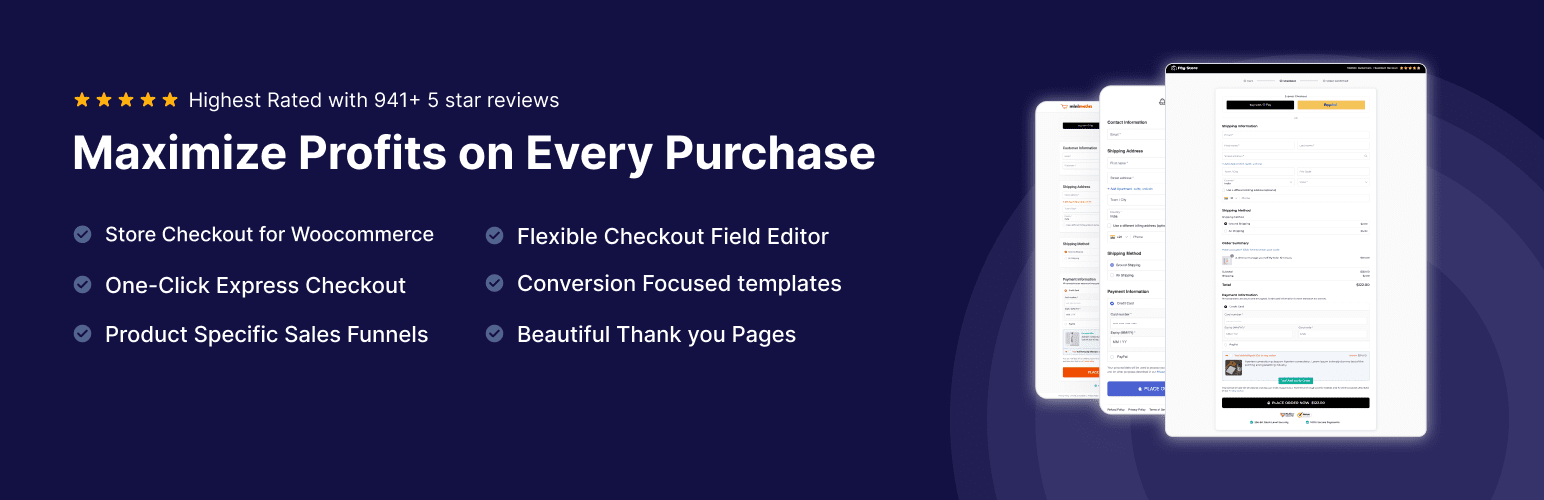
FunnelKit combines checkout customization with tools for building a wider purchase journey. Its role extends beyond changing the appearance of the WooCommerce checkout page: you can use it to connect a focused offer, a checkout form, and the pages or offers that follow a purchase.
That makes it a relevant WooCommerce funnel builder for stores that sell through campaigns. For example, a course business could plan a dedicated checkout for one course and evaluate a related workbook as an optional offer. The important decision is whether that offer helps the customer and remains profitable—not simply whether another promotion can fit on the page.
Key features
Its publisher listing and official plans describe:
Checkout templates: Starting layouts for custom purchase pages.
Checkout field controls: Field editing and conditional fields in the relevant paid plan.
Single-step and paid multi-step layouts: Alternatives for organizing the purchase form; multi-step is listed as Pro in the free plugin directory.
Order bumps and one-click upsells: Paid capabilities for offering relevant additional products.
A/B testing and funnel analytics: Tools in Plus for comparing purchase journeys.
Availability depends on the edition and plan; the free plugin should not be treated as the complete paid suite.
Pricing
The FunnelKit pricing page displays Basic at US$99.50/year for one site, alongside a normal price of US$129. Plus is US$149.50/year for two sites, alongside US$299, and includes the funnel testing and offer features discussed above. These reference prices are not verified renewal quotes.
Pros
A practical option when checkout design and funnel management belong in the same project.
A free edition lets you explore the product before selecting a paid tier.
Cons
More configuration work than a small field editor.
The entry price does not include every feature shown across the product family.
Choose it when: You have a specific plan for dedicated campaign checkouts, relevant offers, and ongoing measurement.
Consider another option when: Your current checkout works well and only needs a few field changes.
2. CheckoutWC: Best for a focused checkout redesign

CheckoutWC focuses on the checkout experience itself. It suits stores that want a guided purchase form and recognizable layout without starting by designing a complete sales funnel.
Its Lite edition uses a multi-step flow covering contact, shipping, and payment information. It also includes branding controls, inline validation, postal-code assistance, and express payment integration with supported gateways. Those features make it a useful free checkout plugin to evaluate before deciding whether paid templates or advanced controls are necessary.
For a physical-product store, the practical evaluation should center on common tasks: entering an address, correcting a mistake, reviewing delivery details, and paying on a phone. A polished template is useful only if those tasks work reliably with your store's extensions.
Key features
Guided multi-step checkout: Organizes the buying process into separate stages.
Branding settings: Lite lets you adjust the logo and colors.
Inline validation: Helps shoppers identify incorrect information while completing the form.
Paid layout options: Basic adds templates and a single-page checkout option.
Address assistance: Paid integrations include Google or Fetchify autocomplete and Smarty validation.
Higher-tier field and offer controls: Plus broadens the custom-field and offer capabilities.
Express payment requires a compatible gateway. Address-service integrations require your own service keys.
Pricing
CheckoutWC Basic displays US$149/year or US$19/month for one site. Plus displays US$249/year. Compare the feature tier you need and any address-service charges before calculating the total cost.
Pros
A focused choice when the main problem is checkout presentation.
Lite provides a meaningful starting point without a paid license.
Cons
More advanced fields and offer requirements can require a higher tier.
External address services may add setup work and fees.
Choose it when: You want a guided checkout redesign and prefer configuring an existing layout.
Consider another option when: Your main requirement is a narrowly defined field change or a campaign funnel.
3. Fluid Checkout: Best for flexible checkout layouts on Classic stores
Fluid Checkout Lite is a WooCommerce checkout customizer with a strong focus on form organization. It lets Classic-checkout merchants evaluate a single-step or multi-step experience, rather than assuming one layout is right for every store.
The free version also includes expandable optional fields, inline validation, and mobile-oriented form behavior. Its publisher describes keyboard and screen-reader support; accessibility still needs checking in the context of your own theme, extensions, and customizations.
A useful evaluation is to compare the same order in both layouts. A short digital-product purchase may need little structure, while an order involving delivery and several address fields may benefit from clearer stages. Record errors and unnecessary effort alongside the visual changes.
Key features
One-step and multi-step layouts: Both are listed in Lite.
Expandable optional fields: Keeps optional inputs available without displaying them all immediately.
Form validation and data retention: Lite describes immediate validation and saving entered information across refreshes.
Pro cart editing: Customers can adjust quantities or remove items during checkout.
Coordinated purchase pages: Pro extends styling to cart and order-related pages.
Optional add-ons: Address autocomplete, saved addresses, and EU VAT tools are offered through separate products or the bundle.
Pricing
The Fluid Checkout pricing page displays Pro at €99/year and the complete bundle at €129/year, each for one site, plus applicable taxes. Lite is free.
Pros
Meaningful free controls for comparing different form layouts.
A focused route to checkout improvements without a full campaign funnel.
Cons
Its compatibility documentation requires Classic shortcode checkout.
Add-on requirements can change the overall purchase cost.
Choose it when: You use Classic checkout and want layout or optional-field controls in Lite, or cart editing in Pro.
Consider another option when: You must retain the native Checkout Block or need a full funnel system.
4. CartFlows: Best for campaign funnels and post-purchase offers
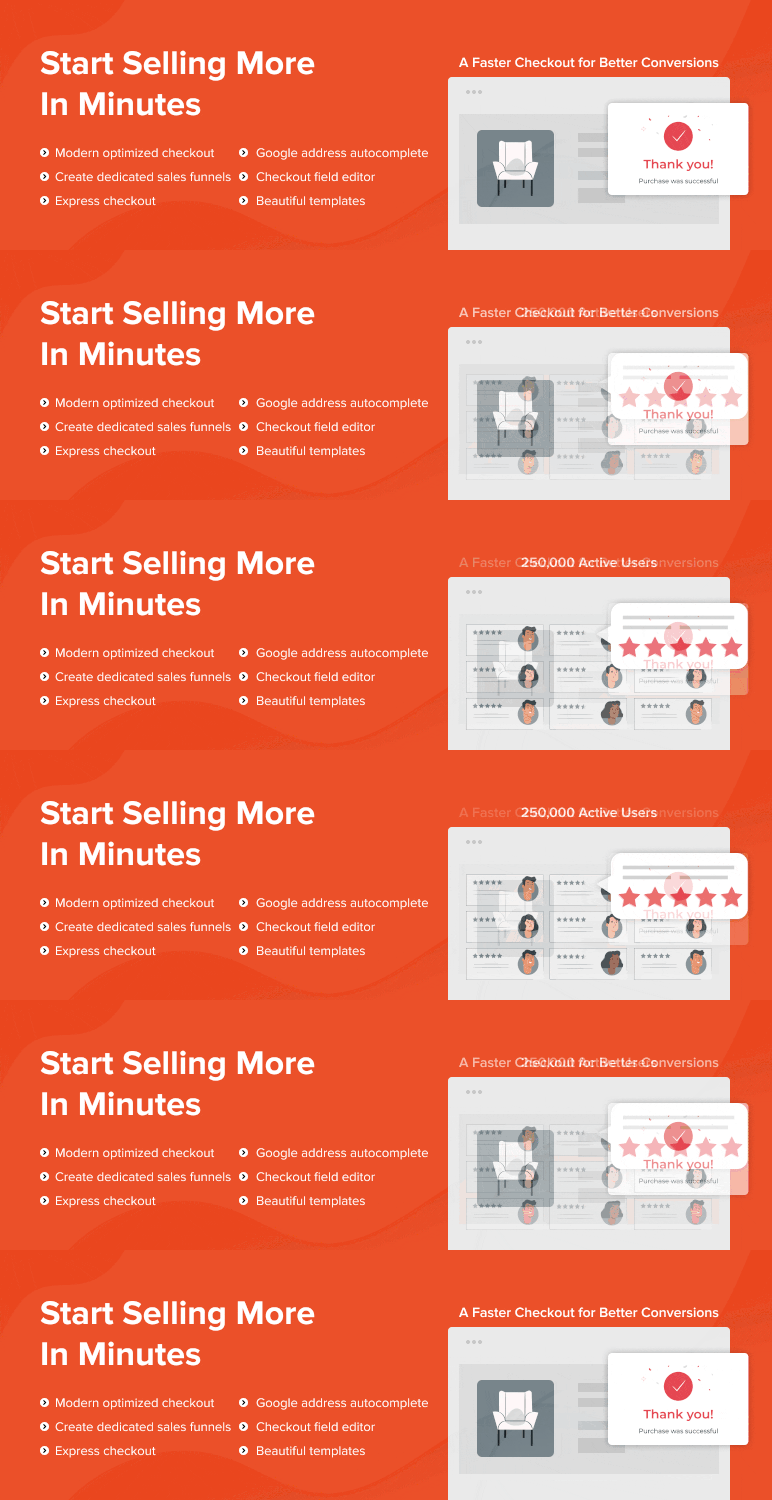
CartFlows approaches checkout as part of a sales funnel. It is relevant when visitors arrive from a campaign with a defined offer, rather than following the same browsing journey as every other store customer.
Its product family combines checkout pages, templates, offers, and measurement tools. A store promoting a starter kit, for example, could evaluate a related refill offer after purchase.
The main buying question is whether your team will maintain these journeys. Campaign funnels require decisions about the offer, product combinations, pricing, tracking, and what happens when an offer changes. A smaller store can use these tools, but it still needs a clear process for managing them.
Key features
The publisher listing describes the wider product family, while plan availability must be checked separately:
Funnel and checkout pages: Build purchase paths around particular products or campaigns.
Prebuilt templates: Starting layouts for checkout and related pages.
Page-builder integrations: Design options for supported editors.
Pro order bumps and upsells: Add relevant optional offers within a funnel.
A/B testing and analytics: Pro tools for comparing variations and monitoring funnel results.
Thank-you pages: Customize the experience following a completed order.
Pricing
CartFlows Starter displays US$99 for the first year, renewing at US$149/year, for one site. Pro displays US$199 for the first year, renewing at US$299/year, for up to three sites. A free edition is also available.
Pros
Useful when you need a campaign-specific purchase journey.
Combines offer management with tools for measuring results.
Cons
Funnel setup introduces work beyond changing the checkout design.
Renewal pricing and plan boundaries affect the long-term budget.
Choose it when: You run product campaigns and will actively manage the offers. For seasonal planning, see our guide to WooCommerce plugins for Black Friday and Cyber Monday.
Consider another option when: You only need a simpler form or minor changes to the standard store checkout.
5. ThemeHigh Checkout Field Editor: Best for targeted field customization
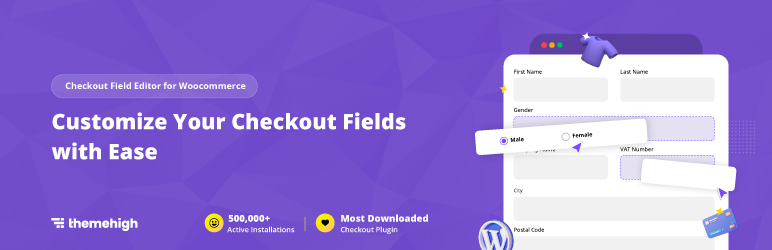
ThemeHigh Checkout Field Editor focuses on the information collected during checkout. It is a logical starting point when your existing purchase journey is suitable but its fields do not match the information your business needs.
A field editor can be useful for removing unnecessary inputs or introducing a relevant selection. For example, a business might need a delivery instruction that its fulfillment team will use. Before adding it, decide whether the field needs to be mandatory and where the answer must appear after purchase.
Collect the minimum information needed to process the order. Extra customization is useful only when it solves an operational need.
Key features
Field management: Add, edit, reorder, hide, or remove supported fields.
Labels and validation: Adjust how inputs are presented and checked.
Conditional display: Paid controls for showing fields when relevant.
Price-based fields: Paid options for collecting selections associated with a charge.
Classic and Block support: Capabilities differ between architectures.
The paid product page lists 24 Classic field types and 13 Block-compatible types. It also notes more limited editing of default billing and shipping fields in Block checkout.
Pricing
ThemeHigh offers a free edition. Its Pro pricing displays US$49/year for one site, with one year of updates and support.
Pros
A focused tool for stores that need form changes rather than a new purchase journey.
Free and paid options provide different levels of field control.
Cons
Field capabilities are not identical across checkout architectures.
The vendor documents that added custom-field data does not pass through its Apple Pay and Google Pay express forms.
Choose it when: Your main requirement is a specific field, validation rule, or conditional form behavior.
Consider another option when: Required order information must pass through an express flow affected by the documented limitation, or your main problem is the overall checkout layout.
6. Instant Buy & Skip Cart for WooCommerce: Best for a free Buy Now button

Instant Buy & Skip Cart for WooCommerce is Pluginos's focused option for giving shoppers a direct route from a product to checkout. It is a Buy Now and cart-bypass plugin rather than a checkout-page designer or field editor.
Think of it as a separate purchase route for customers who have already chosen what they want. A single-item promotional purchase is a reasonable scenario to evaluate. A shopping journey built around collecting several products needs closer attention because the cart behavior affects the rest of the order.
That distinction also separates a Buy Now button from one-click payment. Reaching checkout directly does not establish that payment can complete without the usual customer details or authentication.
Key features
The WordPress.org listing documents:
Free button placement: Product, shop, category, and tag pages.
Button styling: Custom text, colors, and shape.
Guest controls: Settings governing guest access to the feature.
Variation selection: Archive clicks for variable products lead to the product page first.
Pro targeting: Additional product and user targeting controls.
Cart preservation: Pro adds an option to retain existing basket items.
Pricing
A free edition is available. Pro is advertised, but its price was not verified because the product page could not be retrieved. Use the free WordPress.org listing to review the available edition; confirm Pro pricing with Pluginos before buying.
Pros
A focused option when the task is adding a Buy Now button.
Free placement and appearance controls.
Cons
The free edition clears existing cart items.
Native Checkout Block compatibility was not verified.
The WordPress.org listing had no user reviews at verification, so public feedback is limited.
Choose it when: You want to evaluate a direct, single-item purchase route without buying a broader checkout suite.
Consider another option when: Preserving a multi-item basket without upgrading is essential. Test what happens to an existing cart before enabling the button across the store.
7. WooCommerce One Page Checkout: Best for product selection and payment together

WooCommerce One Page Checkout lets shoppers select products and complete payment on the same page. Its purpose differs from simply displaying all checkout fields in one step: the product choice itself is part of the page.
That makes it relevant for a focused offer where a customer can understand the product and buy without returning to catalog browsing. A business promoting a particular service package could place the explanation above a curated product selection and checkout form.
The buying page still needs a clear offer, understandable choices, and the necessary payment information. Combining everything on one page does not help if the customer has too many unrelated options to compare.
Key features
The official setup documentation and product listing describe:
Product selection alongside checkout: Choose products and pay within one page.
Curated offers: Control the products presented on a purchase page.
Product and landing-page placement: Add checkout to suitable product pages or content pages.
Display templates: Different product-selection presentations for different offers.
Shortcode setup: Insert the buying interface into a page with supporting content.
The official FAQ says the standard Cart and Checkout pages still need to remain in place.
Pricing
The Woo Marketplace listing displayed ₹7,660 for a one-year plan during verification. That is a localized INR price; check the current amount for your location. No free edition was verified.
Pros
A useful fit for a clearly defined offer or small product selection.
Keeps the offer explanation and buying interface together.
Cons
A focused purchase page does not replace a full catalog browsing experience.
It is not a general-purpose store-wide checkout redesign.
Choose it when: You want customers to select and pay for a specific offer on the same landing page.
Consider another option when: Shoppers need to browse many categories first, or your goal is changing the main checkout layout for every order.
8. Direct Checkout by QuadLayers: Best for cart bypass with optional cart editing
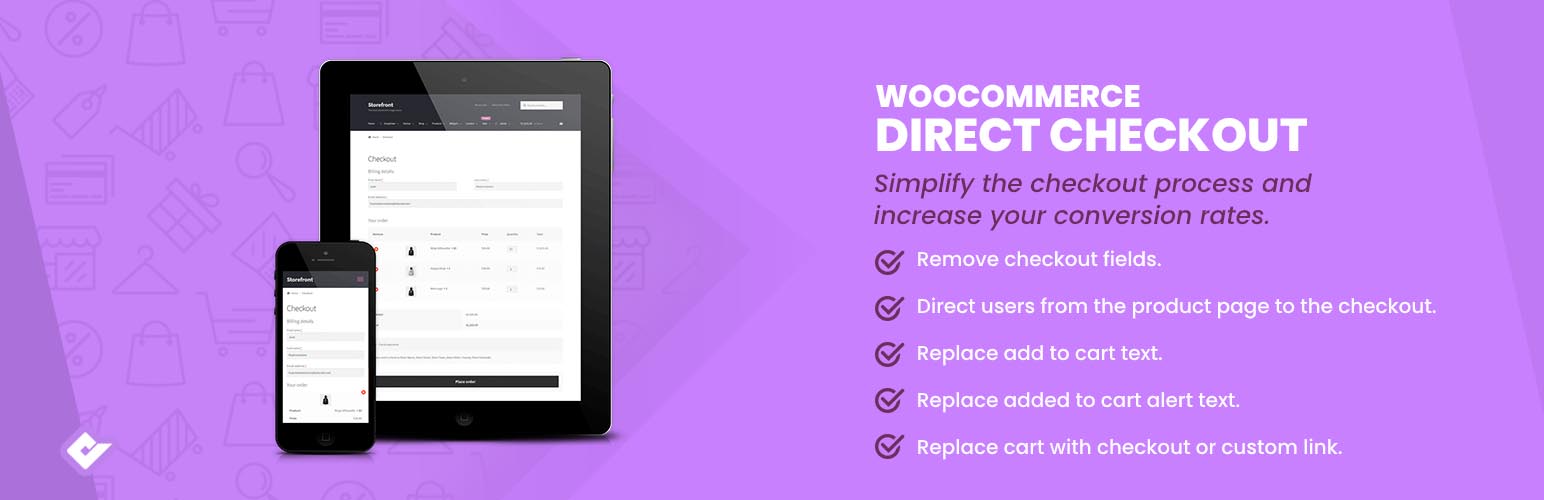
Direct Checkout by QuadLayers changes the route into checkout. It is worth evaluating when the cart page adds an unnecessary stop to a purchase that is otherwise straightforward.
Its wider feature set includes checkout redirects, field-removal options, and AJAX add-to-cart behavior. Premium adds a quick-purchase button and a checkout page where customers can edit the cart. This makes it a candidate when you want a more direct purchase route while still evaluating how order adjustments should work.
The key question is what your shoppers do at the cart stage. If they regularly revise quantities or compare combinations, preserve a clear way to make those changes. If they normally buy one defined item, a direct path may be appropriate to test.
Key features
Cart-page bypass: Send shoppers toward checkout.
Checkout redirects: Control the destination after adding a product.
Field-removal settings: Remove supported inputs when they are unnecessary.
AJAX add to cart: The publisher lists support for several product types.
Premium quick purchase: A dedicated purchase shortcut.
Premium cart editing at checkout: Adjust the order without a separate cart visit.
Check the free and premium feature boundaries before assuming a specific button or editing control is included.
Pricing
QuadLayers displays US$49/year or US$99 lifetime for one site. A free edition is available. The vendor distinguishes annual updates/support from its lifetime package.
Pros
Targets a specific purchase-path problem.
Premium provides an option for editing the cart at checkout.
Cons
Removing the cart step may remove a useful review stage.
Cart bypass does not provide one-click payment or a complete funnel system.
Choose it when: Customers usually buy a defined item and you want to evaluate a shorter route with appropriate order-editing controls.
Consider another option when: You need a comprehensive redesign, advanced campaign funnels, or a cart-first experience for complex baskets.
Free vs paid: buy the features your store needs
The cheapest entry plan is not always the cheapest way to meet your requirements. Compare the complete configuration.
Requirement | What to evaluate first |
|---|---|
Basic field changes | ThemeHigh's free edition, checking your checkout architecture |
A new checkout layout without immediate spending | CheckoutWC Lite or Fluid Checkout Lite |
Cart bypass | Direct Checkout; Instant Buy & Skip Cart for an isolated purchase route—check cart behavior |
Bumps, upsells, and split testing | The qualifying FunnelKit or CartFlows paid tier |
Conditional paid options or business information | ThemeHigh's relevant paid capabilities, checking architecture and express-payment limits |
Product selection and payment on a landing page | WooCommerce One Page Checkout |
These are starting points based on the verified feature descriptions above, not a ranking by performance.
Before paying, calculate:
License + required add-ons + external service costs + setup and maintenance.
Check site allowances, renewal terms, and what happens when a subscription expires. Do not assume lifetime updates, ongoing support, or continued service access unless the vendor explicitly promises them.
A free plugin also does not make payment processing free. You can also browse our WordPress plugins when comparing extensions for the rest of your store.
How to choose for your business size and requirements
New or budget-conscious stores
Start with a written problem: “customers must enter unnecessary information,” “the form is difficult to navigate,” or “buyers should go directly to checkout.”
Evaluate the existing WooCommerce settings and one relevant free plugin first. Avoid paying for a funnel suite unless you have a use for its additional features.
Growing physical-product stores
Prioritize address entry, shipping recalculation, cart edits, mobile usability, and payment reliability.
A useful checkout must cope with a changed postcode, an unavailable shipping service, and a failed payment. Appearance is only one part of the decision. If you are also reviewing your storefront design, compare the best WooCommerce WordPress themes before adding overlapping layout tools.
Digital-product and service businesses
Consider whether a short single-step form or a product-and-payment landing page fits the offer. Review every field against tax, payment, and fulfillment needs before removing it.
Test a mixed cart too if you sell physical goods alongside downloads.
B2B and subscription stores
Write down non-negotiable requirements before comparing products: tax identifiers, company details, conditional fields, recurring-payment gateways, and information needed in orders or invoices.
Ask vendors about the exact combination. General WooCommerce compatibility does not establish support for your subscription extension, invoice workflow, or mandatory-field behavior.
Larger stores and agencies
Evaluate the full extension stack, support arrangements, update process, license allowances, and rollback procedure. A higher license price can be reasonable if it reduces implementation work; more features alone are not a reason to upgrade. If your requirements go beyond an off-the-shelf plugin, explore our custom WooCommerce development services.
When you may not need another plugin
If the issue is a guest-checkout setting, an unavailable payment method, or a field option already exposed by your current checkout, investigate that configuration first. Review the WooCommerce Checkout Block settings before adding another checkout customizer.
Compatibility and launch checklist
Before replacing a working checkout, test the proposed configuration on staging.
Check the architecture. Confirm whether the product extends your current checkout or replaces its rendering.
Verify essential integrations. Include gateways, subscriptions, shipping, tax, currencies, invoices, and High-Performance Order Storage (HPOS) support where relevant.
Test required fields with express payment. Confirm that essential information reaches the order through every enabled purchase route.
Place representative orders. Cover guests, returning customers, variations, coupons, mixed carts, failed payments, and retries.
Inspect usability. Test real phones, keyboard navigation, error messages, address changes, and the order summary.
Prepare rollback. Record page assignments and settings, keep a backup, and know how to restore the previous flow.
After launch, track checkout completion, payment failures, order value, and missing-order-information complaints. Define checkout completion consistently as completed purchases divided by tracked checkout starts, using the same period and tracking setup. Segment by device and payment method. A rise in order value is not automatically a win if fewer customers complete payment.
Frequently asked questions
What is the best WooCommerce checkout plugin?
It depends on the task. Shortlist CheckoutWC or Fluid Checkout for layout changes, ThemeHigh for fields, FunnelKit or CartFlows for funnels, Woo One Page Checkout for offer pages, and Direct Checkout or Instant Buy & Skip Cart for cart bypass.
Check architecture and essential integrations before choosing.
What are the best free WooCommerce checkout plugins?
CheckoutWC Lite and Fluid Checkout Lite are useful layout candidates. ThemeHigh has a free field editor, and Direct Checkout and Instant Buy & Skip Cart have free cart-bypass options. Their publisher listings document the available capabilities; paid features should not be assumed to be included.
Which plugins work with WooCommerce Checkout Blocks?
ThemeHigh advertises Block support with limitations. Confirm the exact fields, positions, and rules you need. Fluid Checkout requires Classic shortcode checkout. Native Checkout Block compatibility for Instant Buy & Skip Cart was not verified. Review its WordPress.org plugin details before choosing.
Is one-page checkout better than multi-step checkout?
There is no universal winner established by this research. Compare the effort required to complete your actual purchase: field count, error recovery, address entry, and payment selection.
A compact digital-product form and a shipping-heavy order may need different layouts.
Can express checkout bypass custom fields?
It can create an information-capture problem in some integrations. ThemeHigh documents a limitation with added fields in Apple Pay and Google Pay express forms. Test required information through every enabled payment route before launch.
Can I use two checkout plugins together?
Possibly, but verify the combination rather than assuming compatibility. Prefer one tool responsible for the main checkout layout, then add complementary extensions only when their interaction is supported and tested.
Will a checkout plugin reduce cart abandonment?
It may help address a specific obstacle, but this comparison establishes no guaranteed uplift. Delivery costs, payment failures, product uncertainty, and other factors can remain after a redesign.
Which WooCommerce checkout plugin should you choose?
Choose the plugin that meets your required purchase flow with the least unnecessary complexity.
For a straightforward redesign, evaluate CheckoutWC Lite and Fluid Checkout Lite first. For field changes, evaluate ThemeHigh. For campaigns and offers, examine the relevant FunnelKit and CartFlows tiers. Use WooCommerce One Page Checkout for product-and-payment landing pages, or Direct Checkout and Instant Buy & Skip Cart when cart bypass is the specific goal. Check whether the chosen flow preserves existing basket items.
Before committing, confirm three things: it works with your checkout architecture, it preserves essential order information, and the plan you priced includes the features you need.
Written by
Pluginos
Pluginos is a WordPress, WooCommerce, and Shopify development team with 8+ years of experience building plugins, apps, and eCommerce solutions. We share practical tutorials and insights based on hands-on development experience.

Related articles
13 Best WooCommerce Abandoned Cart Plugins Compared in 2026
Which WooCommerce abandoned cart plugin fits your store? Compare 13 options by features, pricing, capture limits, and checkout compatibility. Discover practical recommendations for email, SMS, WhatsApp, and wholesale recovery, plus ways to prevent avoidable cart abandonment.
Oct 22, 2026 · 22 min read
7 Best WooCommerce Request a Quote Plugins
Compare WooCommerce request a quote plugins for custom orders, wholesale sales, and negotiated pricing. Explore features, pricing, limitations, and practical buying advice to find the right fit for your store
Oct 21, 2026 · 12 min read
Top 10 WooCommerce B2B Plugins in 2026 (Which Is Best?)
Which WooCommerce B2B plugin suits your business? Compare 10 options for wholesale pricing, bulk ordering, quotes and company accounts, with practical examples and advice for your budget.
Oct 19, 2026 · 19 min read